
Tools Every Online Tutor Should Know in 2025
Curated by the ShikshaNest team to help tutors deliver better classes using simple, smart, and affordable tools.
Let's face it — a dull camera angle, bad audio, or poor lighting can ruin even the best lessons. But don't worry — you don't need fancy gear or a studio to teach effectively.
With just a few smart tools, you can look confident, sound crystal-clear, and deliver engaging classes every time.
Recommended gear
Physical Tools for Better Classes

1. Amazon Basics LED Video Light
Boost your video quality instantly! This light is perfect for brightening your face evenly during video classes. Use it during your online class and teach like a pro.
Buy on Amazon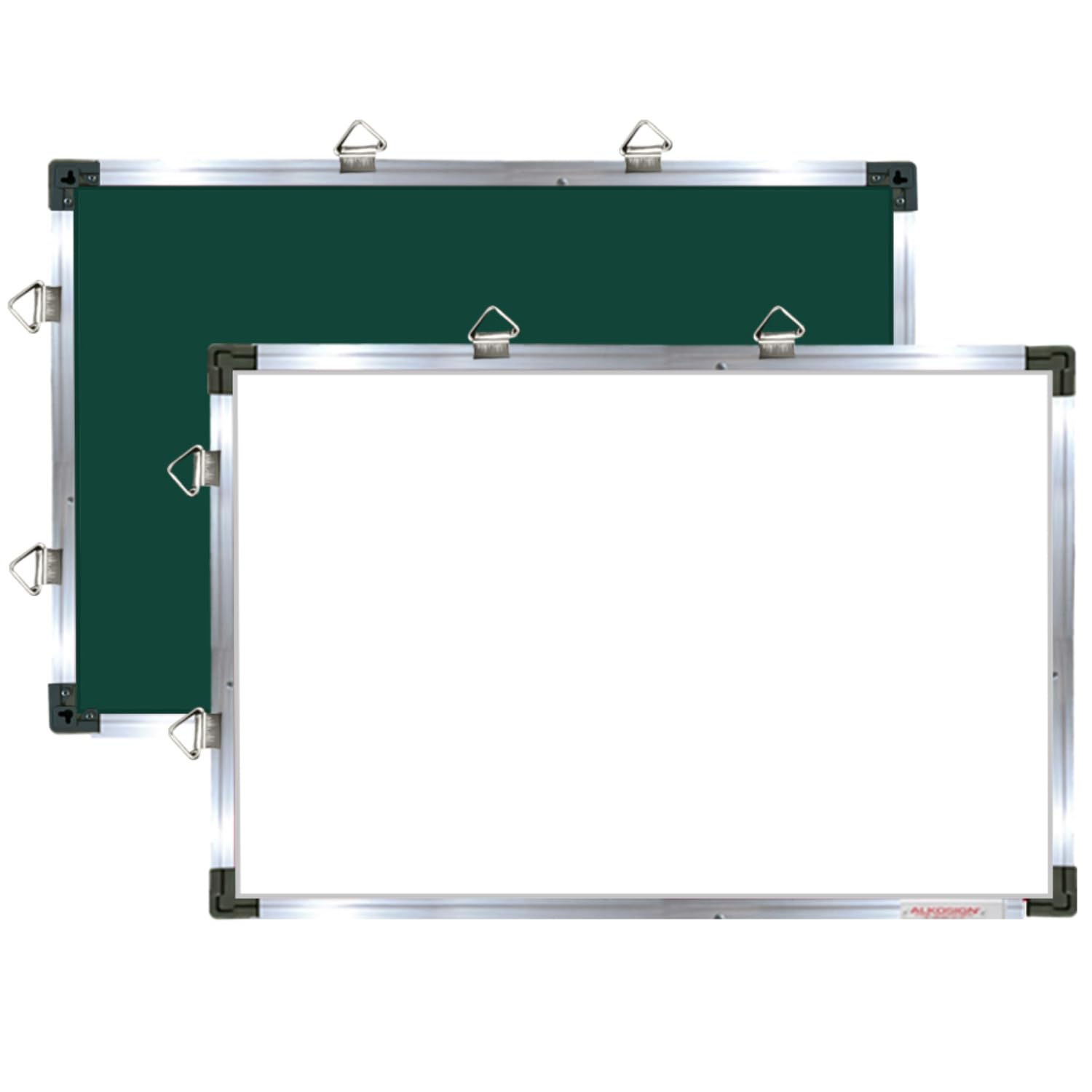
2. ALKOSIGN Crystal Series Best Online Whiteboard for Teaching
With the help of this whiteboard for online teaching you can explain math problems, draw diagrams, or highlight key points on this mini whiteboard. Perfect digital board for online teaching and interactive online classes.
Buy on Amazon
3. GRENARO Wireless Mic with Noise Reduction
Perfect for tutors who want crystal-clear audio without background noise. Features 3-level noise reduction, LED indicator, and a Type-C plug-and-play setup.
Buy on Amazon
4. Mobilife Bluetooth Selfie Stick Tripod (38")
Sturdy, wireless, and foldable tripod with Bluetooth control. Great for teaching, recording, or going live with smooth, stable video.
Buy on Amazon
5. XPPen Deco Fun L 10x6 Inches Graphic Tablet, 8192 Pressure Levels, Battery-Free Stylus, Ideal for Online Teaching
XPPen Deco Fun L is a small sized graphic tablet with an active area of 10x6 inches. It’s a comfortable canvas to create on, while still being easy to carry. Perfect alternative to a mouse.
Buy on AmazonBonus
🛠 Free Software Tools Every Online Tutor Should Use
Along with the right physical setup, software tools play a huge role in delivering high-quality online classes. Here are four powerful (and free!) apps every tutor should consider:
Zoom
Host online classes with screen sharing, whiteboards, breakout rooms, and cloud recordings.
Try ZoomOBS Studio
Record your screen or stream live with professional video quality — great for pre-recorded lessons.
Try OBS StudioGoogle Meet
A secure and easy-to-use video conferencing tool ideal for one-on-one or group tutoring sessions.
Try Google MeetCanva
Design class slides, social posts, and thumbnails effortlessly. No design skills required.
Try Canva🚀 Ready to Level Up Your Classes?
Invest in yourself. Grab these tools and become a confident, professional online tutor with ShikshaNest!
🎓 Register as Tutor – It's Free